Prayminder 1.5.1
Manage all your prayer groups in one place, plus fixes on iPhone and Android.
Prayminder 1.5.1 adds one place to see and organize all your prayer groups, on iPhone and Android, along with a handful of fixes.
Manage all your groups in one place
Open the menu at the top of the Prayers tab and choose Manage groups to see every group you have, with how many prayers each one has on each tab. Groups that your list hides, because they have no prayers on that tab, are listed here too. From the same screen you can create, rename and delete groups, and tap Edit to drag them into a new order.
Deleting a group from here asks once and tells you exactly how many prayers will go with it, tab by tab.
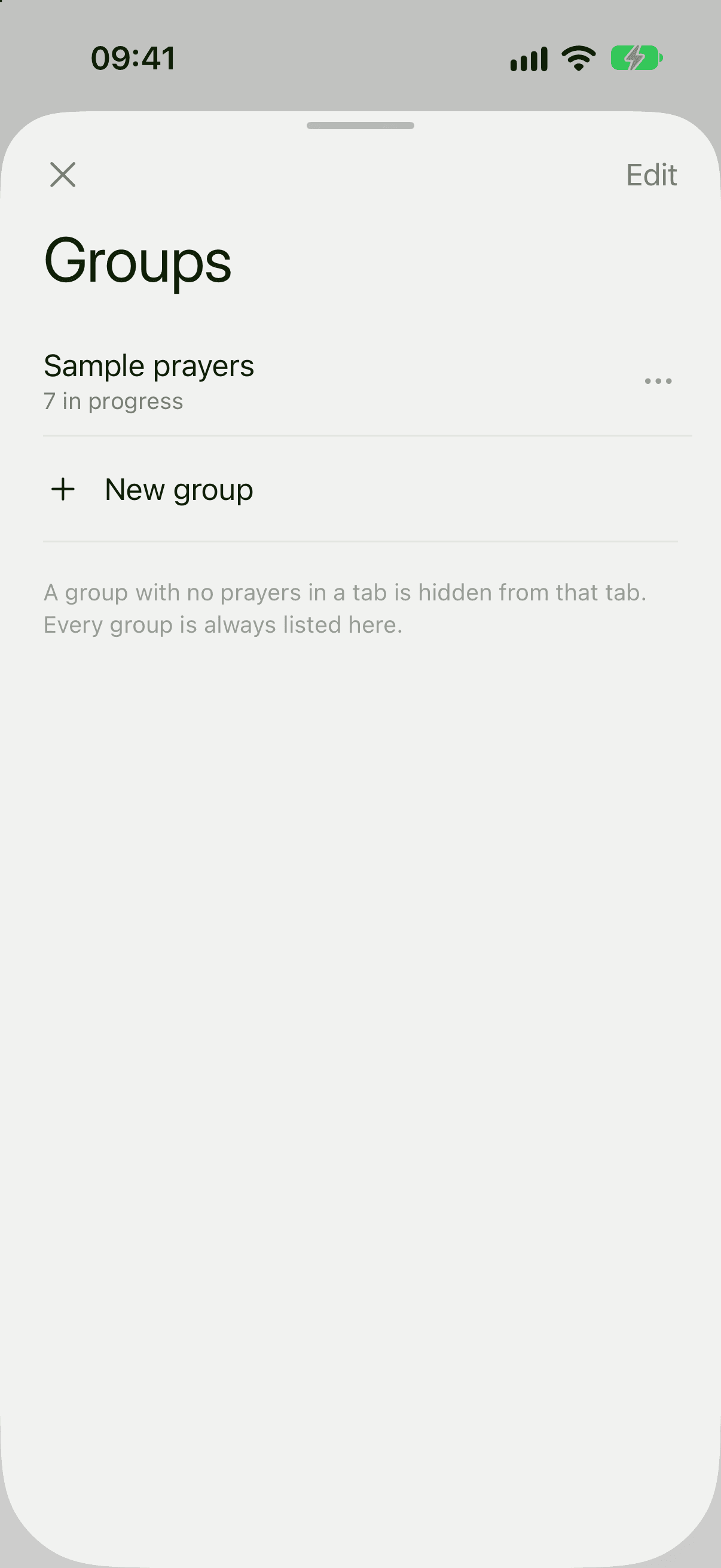
How it works: Manage your groups.
Fixes
- iPhone: dragging prayers in Reorder prayers no longer springs them back to where they were.
- iPhone: contact links in the app's help pages now open the contact form, instead of a blank page.
- Android: wherever you choose a group for a prayer, groups are listed in the same order as your prayer list.
- Android: changes to your reminder settings reach our servers more reliably. If a change has not arrived yet, Reminders Settings says so until it has.